My Courses

The My Courses sub-menu shows the names of all the courses that you are enlisted in.
I want to take a course - what do I do?
- Select which course you want to take from the My Courses table. Click the green button to see what Course Material (videos, reading materials, and quizzes) are available for the course.
- Select which course material you want to launch.
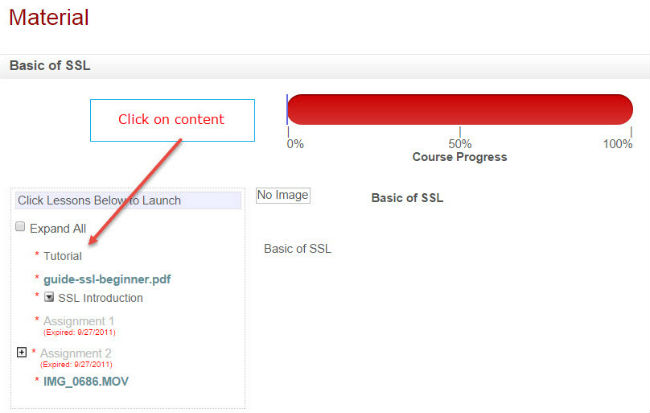
- When you log out and log back in to re-launch the course from your last session, it will remember where you have last left off so there is no need to complete the course all in one sitting.